
A matcha green hex code sounds like one fixed color, but a bowl of tea, a powder sample, a website button, and a printed carton can all look different. The code gives designers a precise screen color. It does not certify what matcha powder will look like or guarantee a print match. This guide gives food and beverage brands a usable starting palette, contrast checks, and a practical approval process.
Contents
- What does a matcha green hex code represent?
- Is there one official matcha green?
- Which sample codes can a brand start with?
- How does hex differ from RGB and print color?
- Which text colors are readable on matcha green?
- How should a brand build a full palette?
- How should designers sample real matcha color?
- What should packaging teams check before printing?
- How can teams govern color across channels?
- How should a buyer brief a designer or supplier?
1. What does a matcha green hex code represent?
A screen instruction, not a tea specification
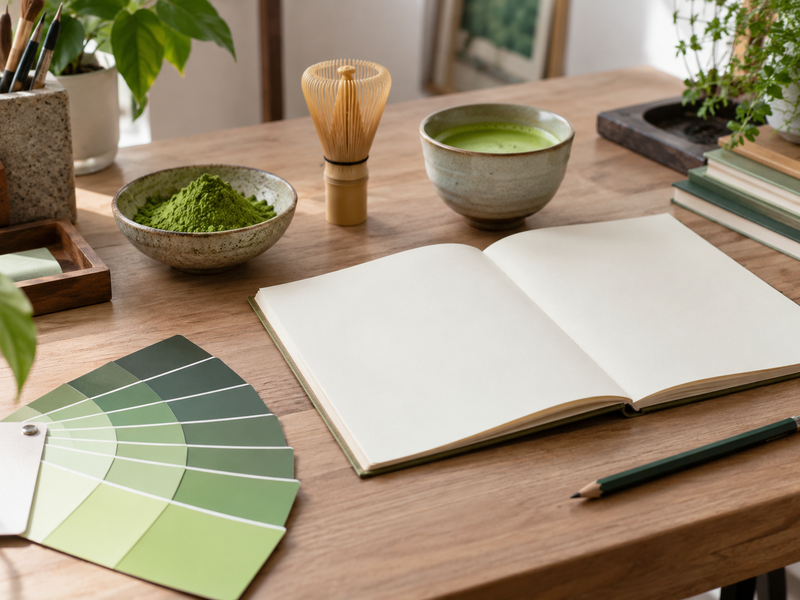
A hex code such as #74A662 tells software how much red, green, and blue light to use for an on-screen color. The W3C CSS color specification defines six-digit hex notation as a form of RGB color in the sRGB color space. A code is useful because the same digital file can call for the same numerical color on a website, product mockup, or social template.
The name “matcha green” is a design label. It may describe a fresh, pale, yellow-green, or deep tea-like shade. The code does not describe the plant, growing method, powder grade, or finished drink. A screen swatch also changes in appearance with surrounding colors, display settings, and lighting. Start with the intended use. A pale background behind a product photograph needs a different value from a button carrying white text.
For a B2B brand brief, write both the code and the job it performs: primary brand accent, secondary background, package panel, or data-chart category. That lets a designer test whether the color works in context rather than debating whether it is “authentic matcha” in isolation.
2. Is there one official matcha green?
Color names vary across references
No single hex value governs every use of the name “matcha green.” In the observed U.S. search results for this topic, one color site calls #74A12E matcha and another calls #74A662 matcha green. A paint reference shows yet another green. Those pages are examples of naming choices, not a universal authority over tea color. A brand should choose its own approved value and record why it was selected.
Real matcha also varies with the powder, preparation, milk or water ratio, cup, lighting, and camera. A cooked matcha cake or latte can look unlike dry powder. If the design needs to represent a specific product, sample the approved product under controlled light and keep a reference photograph. If the green is a broader brand cue, select it by legibility, mood, and consistency across assets.
| Label found online | Example code | What it tells a buyer |
|---|---|---|
| “Matcha color” | #74A12E |
One publisher’s digital color name |
| “Matcha green” | #74A662 |
Another publisher’s suggested swatch |
| Brand-selected dark tea green | #30553A |
A possible accessible text color |
Write “brand matcha green” in the style guide. This avoids presenting a house choice as a natural or industry standard.
3. Which sample codes can a brand start with?
Use examples as prototypes
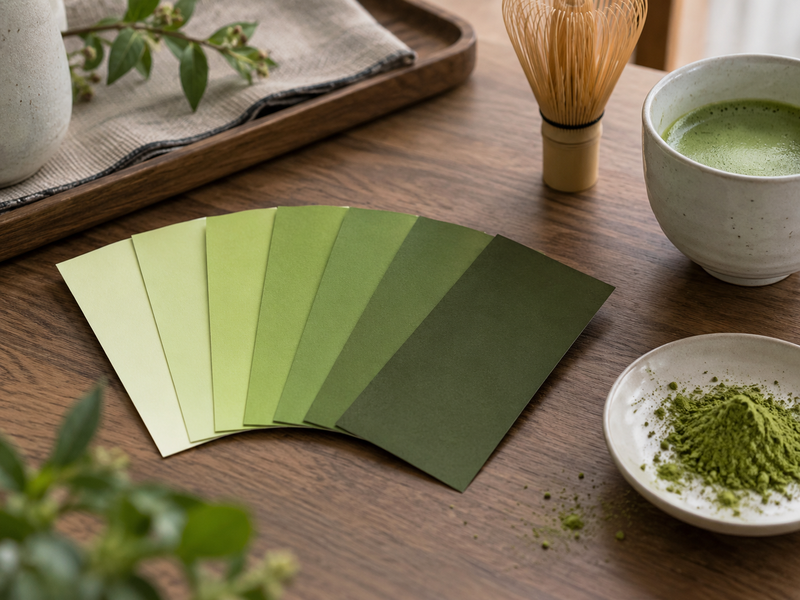
The table below offers a small starting palette, not a list of colors measured from Matcha Village powder. Two values come from published web color references: Color-Name’s matcha entry and Kive’s matcha-green entry. The darker and lighter choices are editorial suggestions for building a usable visual system. Review them beside real product images before approval.
| Role | Hex | RGB | Suggested use |
|---|---|---|---|
| Yellow-green accent | #74A12E |
116, 161, 46 | Icon, rule, or small accent |
| Soft green accent | #74A662 |
116, 166, 98 | Large panel or button with dark text |
| Deep green | #30553A |
48, 85, 58 | Heading or dark background |
| Pale green | #DDE8C8 |
221, 232, 200 | Quiet background block |
| Warm cream | #F4F1E8 |
244, 241, 232 | Neutral product backdrop |
Test a whole page, not five chips. A bright green that looks attractive as a small swatch can dominate a package face. Conversely, a pale green can disappear beside a white photo background. Mock up the actual label, web page, and sales sheet with normal text and product imagery. Ask the intended buyer whether the design makes the product easier to identify.
4. How does hex differ from RGB and print color?
Move between media carefully
Six-digit hex and sRGB values can describe the same screen color. For example, #74A662 corresponds to red 116, green 166, and blue 98 in eight-bit RGB channels. The conversion is arithmetic, as defined in the W3C CSS specification. A printer works through inks, substrate, finishing, and press conditions. Typing a web hex code into a print layout does not guarantee that a paper bag or metal tin will look like the monitor.
Ask a designer and print supplier for a color-managed workflow and a physical proof on the intended material. Matte paper, coated paper, film, and metal can make the same nominal green look different. A package that contains a transparent window may also place printed green beside real powder, where a mismatch becomes obvious. Record the final print target and approval sample separately from the digital hex code.
| Medium | Starting specification | Final approval |
|---|---|---|
| Website | sRGB hex code | Browser and accessibility check |
| Social graphic | Exported RGB file | Review on common devices |
| Printed carton | Printer-specific color target | Physical proof on chosen board |
| Product photograph | Color-managed image file | Comparison with approved sample |
Keep media-specific standards. A single spreadsheet cell cannot replace a tested web value and an approved press proof.
5. Which text colors are readable on matcha green?
Check contrast with actual foreground and background
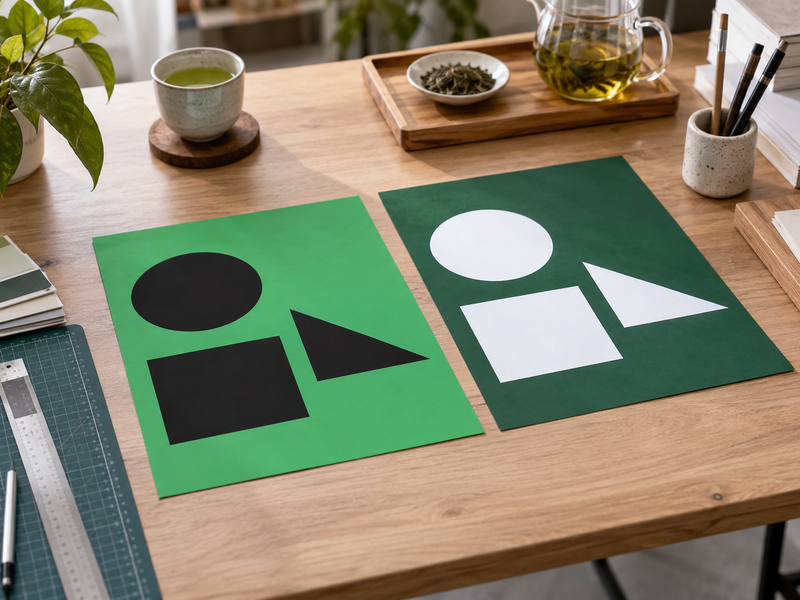
The W3C Web Content Accessibility Guidelines 2.2 set a minimum contrast ratio of 4.5:1 for normal text at level AA, with a 3:1 threshold for qualifying large text. Contrast depends on the pair of colors, not on the green alone. Using the WCAG relative-luminance calculation, #74A662 has about 2.85:1 contrast with white and 7.37:1 with black. White normal text on that green fails the 4.5:1 threshold; black passes.
| Background | White-text ratio | Black-text ratio | Normal-text choice under 4.5:1 |
|---|---|---|---|
#74A12E |
3.05:1 | 6.88:1 | Black |
#74A662 |
2.85:1 | 7.37:1 | Black |
#30553A |
8.45:1 | 2.49:1 | White |
#DDE8C8 |
1.28:1 | 16.45:1 | Black |
These ratios are calculated for the flat colors shown; real images and gradients need their own checks. Test the final component. A small ingredient line on a green pack panel, a web button label, and text over a photograph each need review in their actual size and background. Color alone should not carry a warning or status cue.
6. How should a brand build a full palette?
Give each color a job
One green seldom covers every design need. Start with a primary accent, a darker text or header color, a pale background, and a neutral base. Add a contrasting flavor cue only when needed: muted strawberry for a berry SKU, beige for roasted tea, or a restrained blue for a limited beverage. Assign roles rather than permitting every designer to pick a new green each week.
Keep product photography in the review. A tea powder can be more yellow or more blue-green than the brand swatch. The goal is a coherent layout in which the actual product remains believable. Avoid retouching powder until it matches the hex value; buyers rely on photographs to understand what they may receive, and lighting or processing can already change appearance.
| Palette role | Example | Design rule |
|---|---|---|
| Primary accent | #74A662 |
Use with dark text for ordinary UI copy |
| Deep text green | #30553A |
Use for headings on light grounds |
| Soft background | #DDE8C8 |
Keep adequate dark-text contrast |
| Neutral field | #F4F1E8 |
Let tea photography carry color detail |
Name every token by role. “Primary accent” is more useful in a design system than “green 7.” It tells a packaging agency or web contractor where to apply the value.
7. How should designers sample real matcha color?
Control the photograph before picking pixels
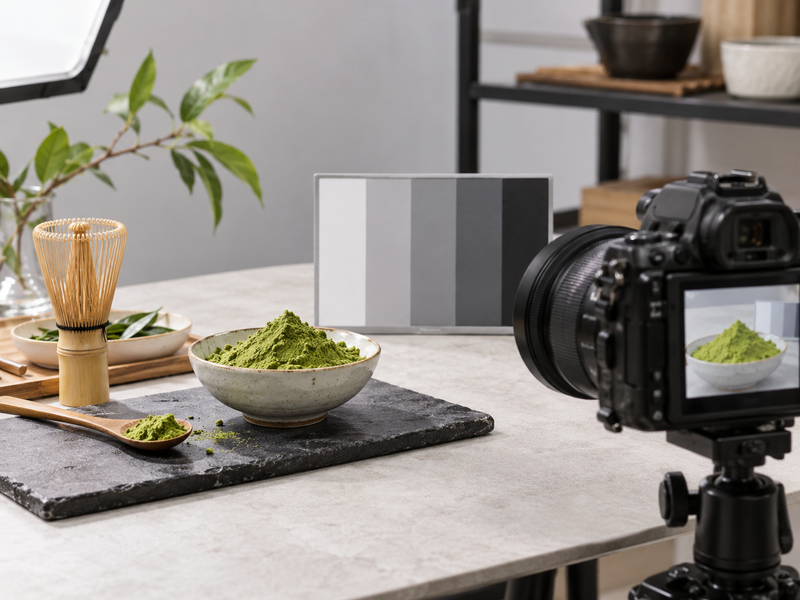
Photograph the approved powder or prepared drink under repeatable, neutral lighting with a suitable reference card. Record camera settings and avoid automatic filters that make every green brighter. Sample several areas, since shadows, foam, highlights, and particle texture create different values. Decide whether the brand color should reflect dry powder, a prepared bowl, or a latte; those are different visual references.
Do not take a single eyedropper reading from an online photograph and call it a material standard. That image may have been edited or taken under warm light. For a retail range, compare different lots of the approved product and choose a color that fits the expected range rather than a single ideal photograph. A quality team can separately specify physical color measurement if it is needed for ingredient acceptance.
Keep the reference visible. Show the chosen hex beside a color-controlled product photograph, an actual pack sample, and the approved print proof. This helps teams distinguish a digital identity decision from a tea-quality decision. If a later powder lot looks different, investigate the powder under its ingredient specification rather than automatically changing every brand asset.
8. What should packaging teams check before printing?
Approve the material and the copy together
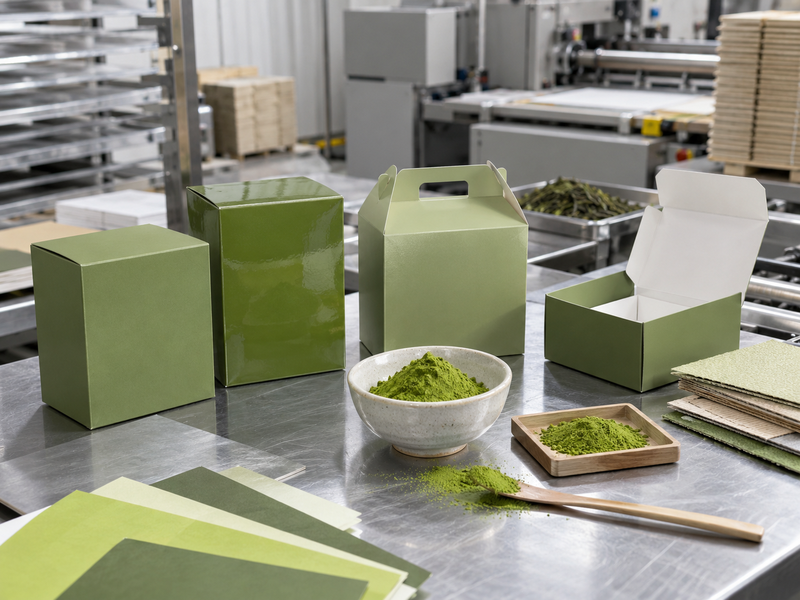
Before a print run, request a proof on the chosen material at actual size. Check green panels under agreed lighting, then inspect small text, barcode readability, product photography, and how folds or seams cross the design. A translucent pouch, white label, and kraft board each change the impression of a green ink. If multiple printers or regions are involved, document acceptable variation and the approval route for each.
The front-of-pack shade should not imply a regulated grade, origin, organic status, or product benefit that the finished product cannot support. A “matcha green” color is a visual cue, while claims on the pack require their own substantiation and market review. Keep the final ingredient label and claims approval in the same print sign-off process to avoid printing a beautiful carton with outdated text.
| Proof checkpoint | Reviewer asks |
|---|---|
| Color | Does this material match the approved physical reference? |
| Type | Is small text readable at actual size? |
| Photo | Does the tea look credible beside the printed green? |
| Production | Are trim, folds, and ink coverage acceptable? |
| Copy | Is this the approved market-specific wording? |
Sign off the actual object. A monitor preview helps design; the physical proof determines print acceptance.
9. How can teams govern color across channels?
Create a short, usable brand record
A brand guide can be one page if it states the approved digital hex, RGB value, color role, permitted text pairings, and print-proof reference. Store the source file and date of approval. Give agencies a rule for photography: do not recolor tea to imitate the brand swatch. List acceptable backgrounds and examples of buttons, headings, labels, and chart legends.
When introducing a new SKU, test the existing palette before adding another green. A strawberry matcha loaf package may need a pink accent, but the primary green can stay stable. If a green changes, update web templates, marketplace imagery, sales decks, and packaging in a planned sequence. Otherwise buyers encounter several versions and cannot tell which is current.
Make exceptions explicit. A dark green may be necessary for accessible text even if the main accent is lighter. Record it as a functional companion color rather than an accidental deviation. Digital accessibility and print legibility both benefit from approved pairings.
10. How should a buyer brief a designer or supplier?
Supply the real product and business constraints
Send the designer an approved matcha sample, representative product photographs, target audience, intended channels, packaging materials, and the exact claims approved for the destination market. State whether the priority is a fresh café look, a restrained wholesale ingredient identity, or a gift set. Include the example palette as a starting point and ask for mockups with actual label copy, ordinary text sizes, and realistic product images.
Ask the printer for a physical proof and define who will approve it. Ask the web designer for contrast checks on all normal text pairings. Ask the tea supplier for ingredient specifications separately; a hex code is not a substitute for powder color or sensory acceptance. Matcha Village can provide an application sample for photography and product development, while the brand team owns the visual color standard.
Close the brief with two references. The digital guide should state the approved hex values; the packaging guide should retain a signed physical proof. Both should point to the current product photography. That gives sales, design, procurement, and print teams a common basis for the next launch.
FAQ
Q1: What is the hex code for matcha green? There is no universal code. #74A662 and #74A12E are published examples; a brand should approve its own value.
Q2: Does a hex code describe actual matcha powder? No. It specifies a digital screen color, while the powder needs a separate physical and sensory specification.
Q3: Can white text go on #74A662? Its calculated white-text contrast is about 2.85:1, below WCAG AA’s 4.5:1 threshold for normal text. Use a tested dark text pairing.
Q4: Will the same code print identically on every pack? No. Printer, ink, substrate, and finish affect the result. Approve a physical proof.
Q5: What should a color guide include? Approved digital values, roles, tested text pairings, photography rules, and a print-proof reference.